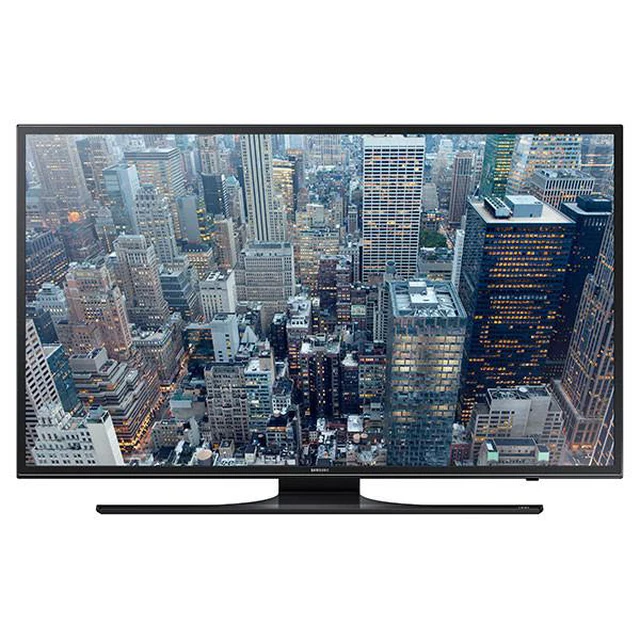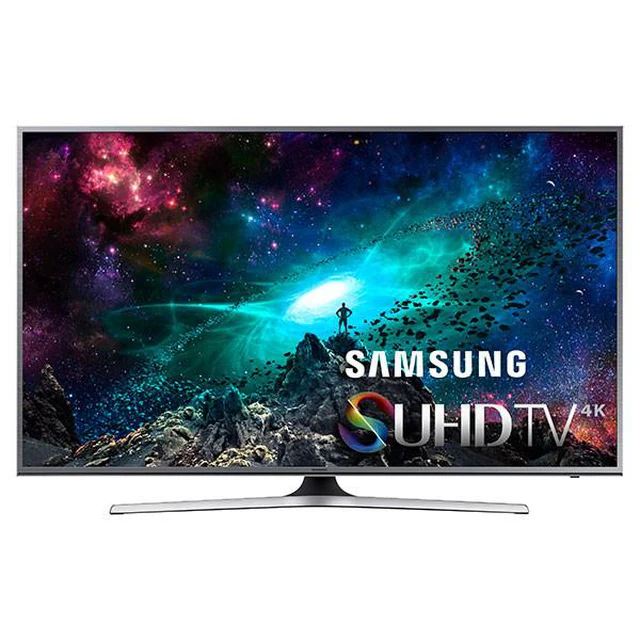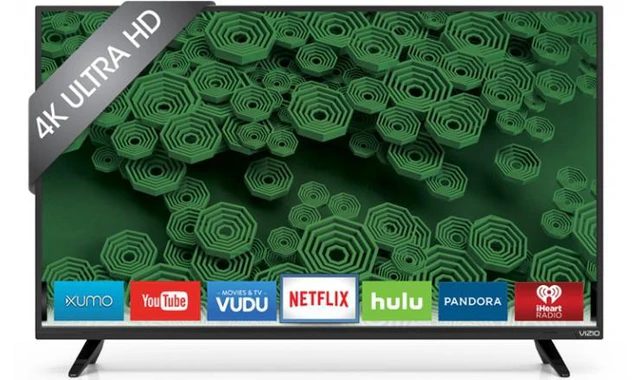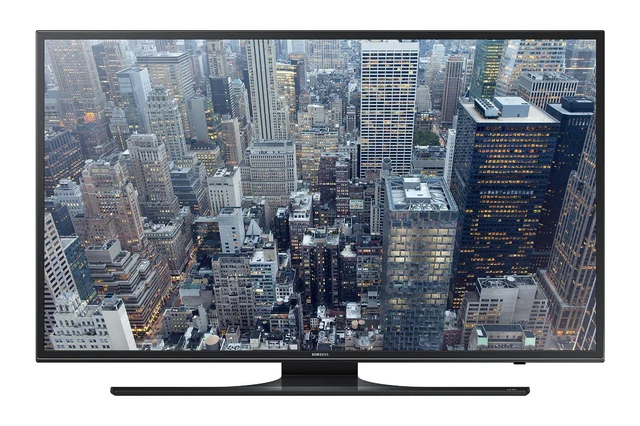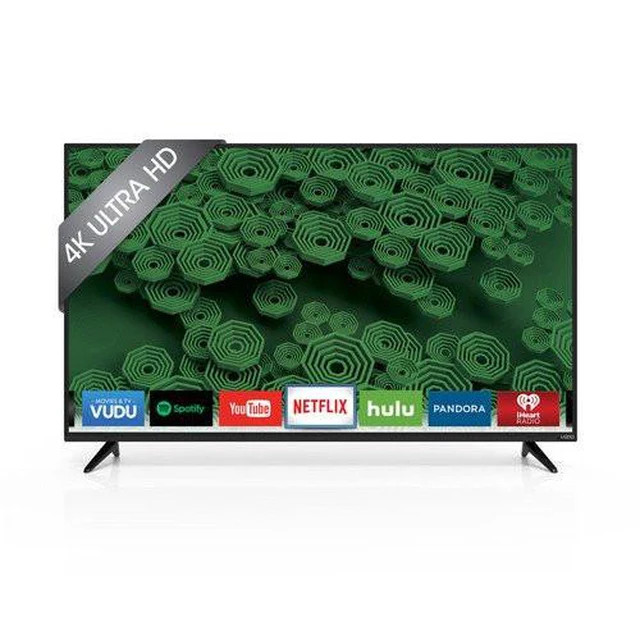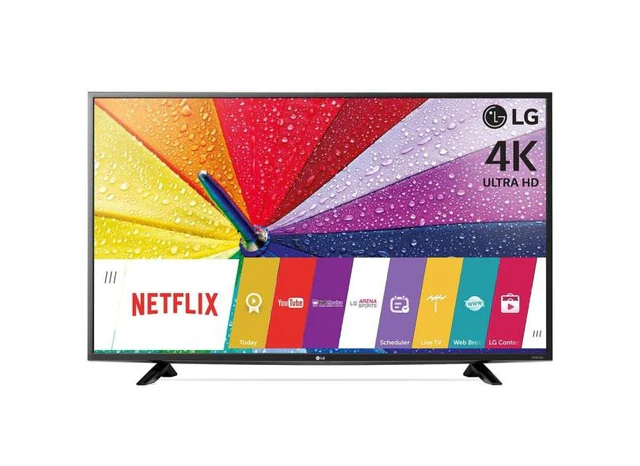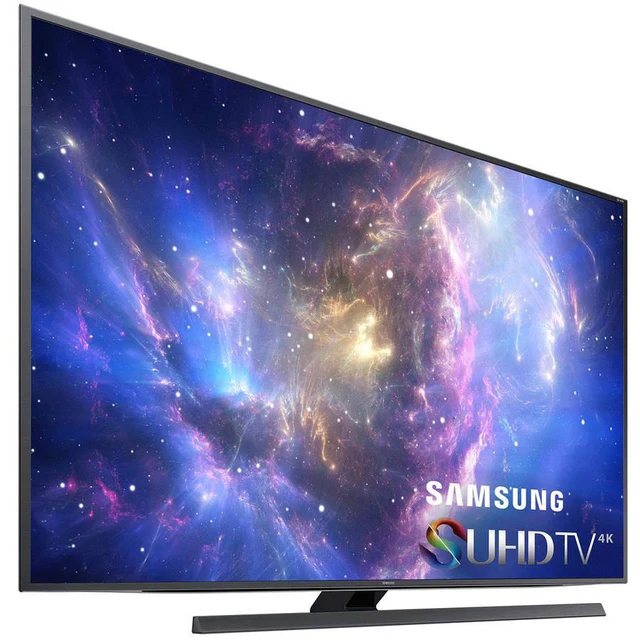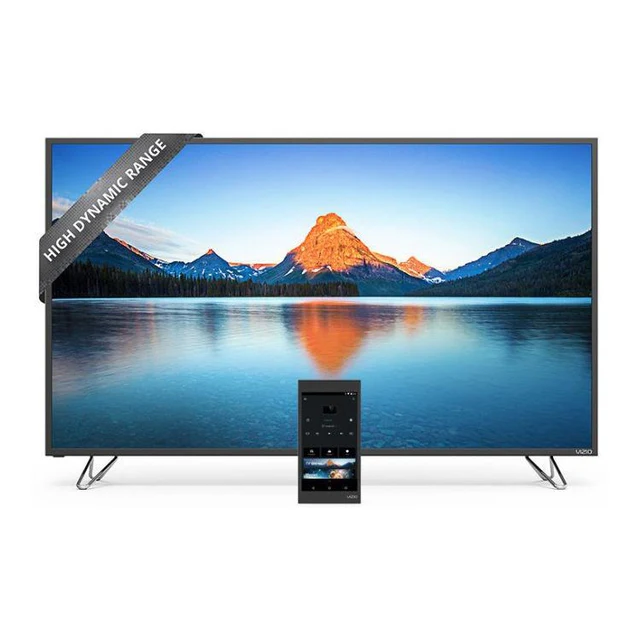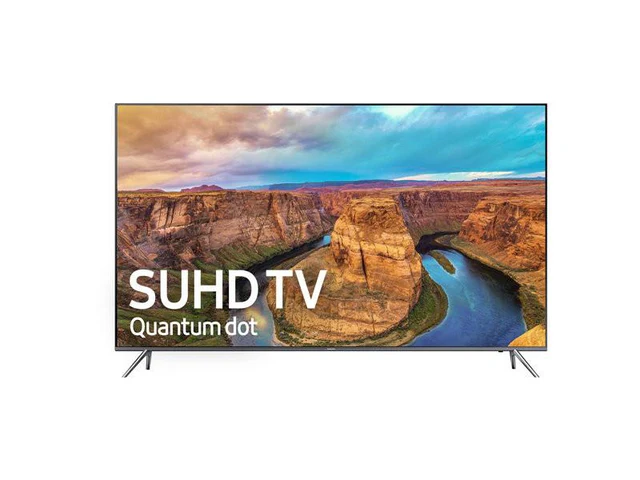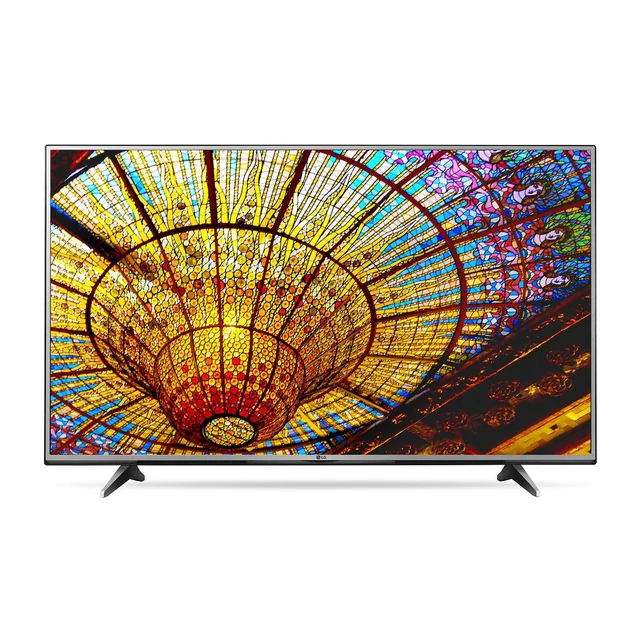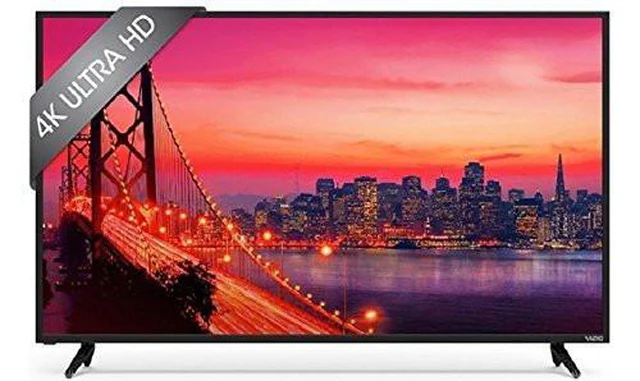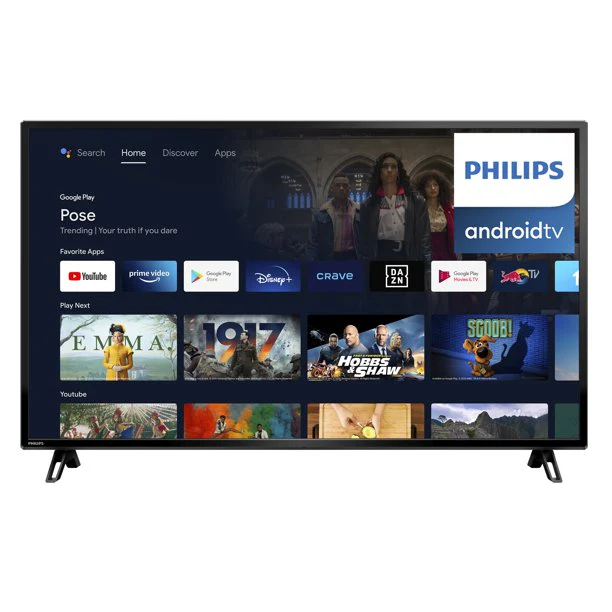
Philips 50" Class 4K Ultra HD (2160P) Android Smart LED TV with Google Assistant (50PFL5766/F6)
Explore a smarter way to watch with the Philips 50" Class 4K (2160p) Android Smart TV (50PFL5766/F6). It brings great content to you, so you can spend less time browsing and more time watching. Just pick from the personalized recommendations from Google Play, YouTube, Netflix, and other apps directly on your TV screen. Use Google Assistant to tune into your favorite channel, change the volume, dim the lights, set the temperature and more.
Enjoy the beauty of 4K Ultra HD
- Bright 4K LED TV with vibrant HDR picture
- HDR10 supported — See more of that the director intended
Android TV makes it easy to get more from your TV
- 400,000+ movies and shows from across streaming services
- Choose from 5,000+ apps on the Google Play store
Google Assistant — Do more with your voice
- Plan your day, learn about the weather, traffic, and more
- Play your favorite content and control your TV volume
- Control your compatible smart home devices
Chromecast
- Put your small screen on your big screen
Product Information
Product Information
Shipping & Returns
Shipping & Returns
Description
Explore a smarter way to watch with the Philips 50" Class 4K (2160p) Android Smart TV (50PFL5766/F6). It brings great content to you, so you can spend less time browsing and more time watching. Just pick from the personalized recommendations from Google Play, YouTube, Netflix, and other apps directly on your TV screen. Use Google Assistant to tune into your favorite channel, change the volume, dim the lights, set the temperature and more.
Enjoy the beauty of 4K Ultra HD
- Bright 4K LED TV with vibrant HDR picture
- HDR10 supported — See more of that the director intended
Android TV makes it easy to get more from your TV
- 400,000+ movies and shows from across streaming services
- Choose from 5,000+ apps on the Google Play store
Google Assistant — Do more with your voice
- Plan your day, learn about the weather, traffic, and more
- Play your favorite content and control your TV volume
- Control your compatible smart home devices
Chromecast
- Put your small screen on your big screen